Upload Artwork
Upload paintings, photographs, posters, statue images and other exhibition media.

Upload your artwork images and let EasyVR AI automatically generate beautiful gallery rooms, descriptions, translations, voice narration, floor plans and a fully connected VR exhibition.
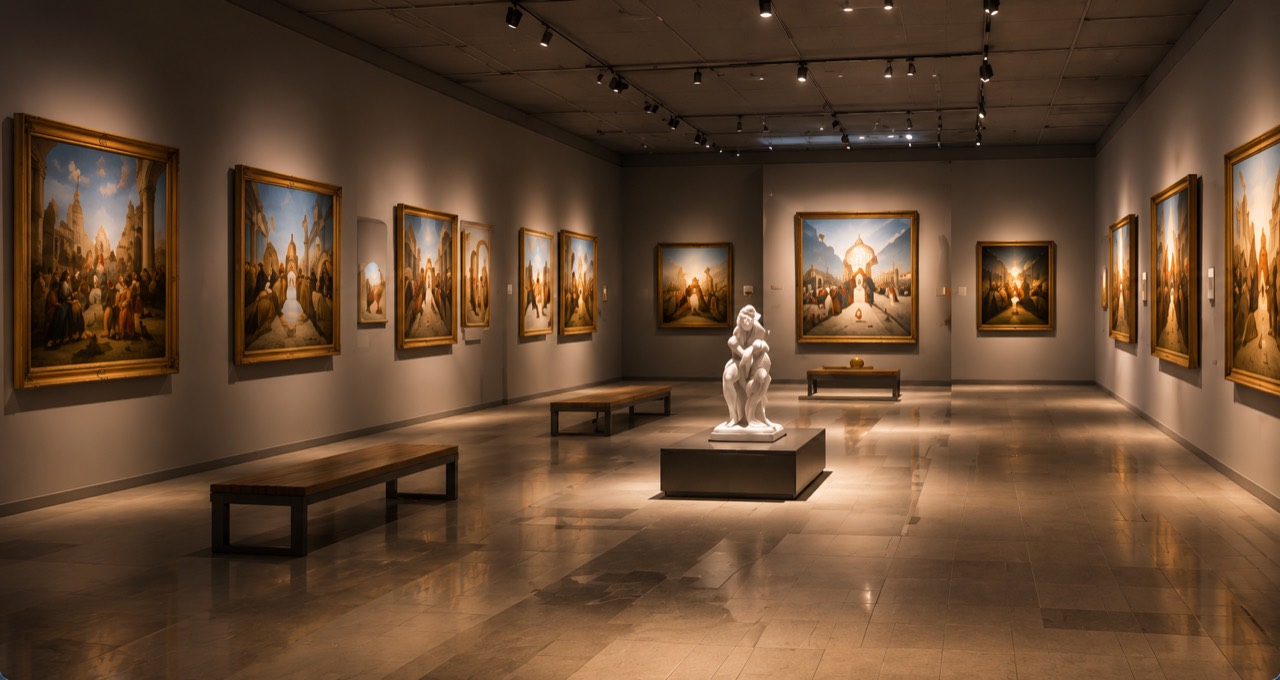
Upload paintings, photographs, posters, statue images and other exhibition media.
Use AI to improve artwork descriptions while preserving user-supplied facts.
Translate artwork titles and descriptions into selected EasyVR languages.
Create AI voice narration for supported languages and store it with your exhibition.
Automatically create rooms, artwork placement, floor plans and navigation.
Preview the virtual museum and publish it using EasyVR sharing.
AI intelligently places artwork and statues in suitable positions with balanced spacing.
Create professional museum descriptions while preserving your supplied facts.
Support EasyVR languages so visitors can enjoy your museum worldwide.
Add immersive audio guides in multiple supported languages.
Automatically generate room plans and navigation paths for a smooth visitor experience.
Add background music to create the right atmosphere.
Beautiful experiences on desktop, mobile and VR headsets.
Share your museum via link or embed it on your website and social media.
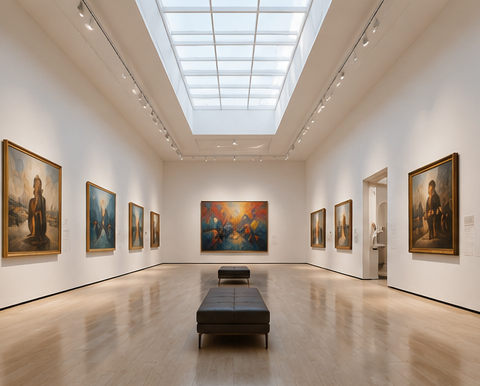
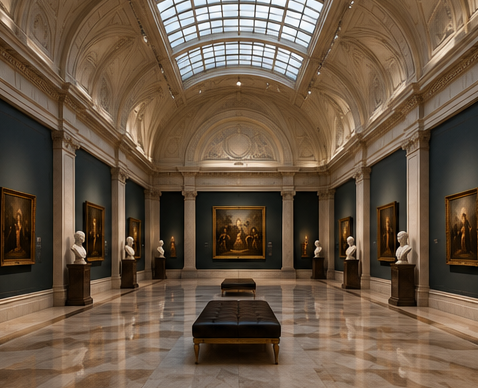
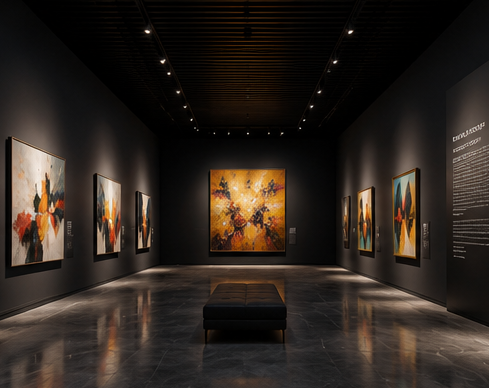
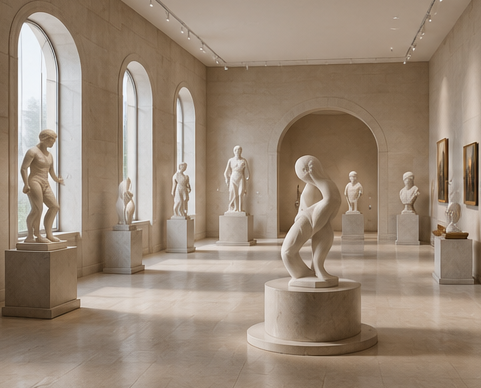
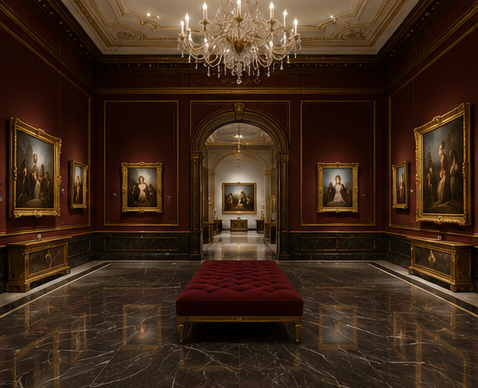
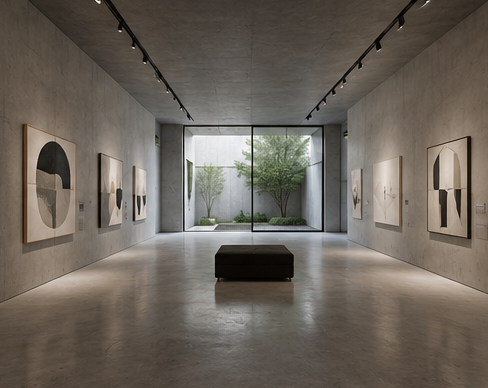
AI Museum is an EasyVR feature that turns your uploaded artwork — paintings, photographs, posters, historical objects, or statues — into a fully immersive 360° virtual museum exhibition with AI-generated descriptions, multilingual translations, voice narration, and gallery-style layouts.
Upload your artwork images, choose a gallery style and resolution, and AI Museum automatically generates room layouts, places each artwork, writes descriptions, translates them into multiple languages, adds voice narration, and builds a 360° VR exhibition you can share online.
You can upload JPG, PNG, and GIF artwork images. You can upload up to 20 artwork images at once. These can include paintings, photographs, posters, historical object images, and statue images.
Simple Mode automatically creates the entire museum — layout, descriptions, translations, narration, scenes, and VR viewer — in one step. Complex Mode lets you manually review and edit descriptions, manage gallery space, and control each step before generating the final exhibition.
AI Museum offers multiple gallery styles including Modern White Gallery, Classic Museum Hall, Dark Contemporary, Sculpture Gallery, Luxury Exhibition, Minimalist Space, Industrial Loft, and Custom Style.
Yes. AI Museum supports 9 languages — English, Traditional Chinese, Simplified Chinese, Japanese, Korean, French, Spanish, German, and Arabic — for artwork descriptions and voice narration.
Yes. AI Museum can generate AI voice narration for artwork descriptions using AI. Narration is available for each supported language and plays within the VR viewer.
Yes. Once your museum is generated and all scenes are ready, you can publish it directly from EasyVR. The published museum gets a shareable link and can be viewed by anyone online.
Yes. Published AI Museums are viewable on any device with a modern web browser, including smartphones, tablets, and desktop computers. VR headset mode is also available on compatible devices.
Yes. After publishing, you can embed your AI Museum on any website using the EasyVR embed code or iframe, just like other EasyVR content.
Yes. You can start creating an AI Museum at 512p resolution for free. Higher resolutions (1K, 2K, 4K) require AI Credits based on the number of rooms generated.
AI Museum credits depend on the selected resolution and the number of rooms in your exhibition. Each room uses one panorama generation at the chosen resolution. Check the on-page credit estimate before generating for exact costs.
 EASYVR