AI Assisted
Pano Video to AI 360
No 360 camera? Record a short room scan video with your phone, upload it, and generate an AI 360° scene.
UPLOAD PANO VIDEO
Start from a prompt, an existing 360 image, or a pano video. EasyVR turns each input into an immersive 360 experience.
No 360 camera? Record a short room scan video with your phone, upload it, and generate an AI 360° scene.
UPLOAD PANO VIDEOGenerate a 360° scene from a written prompt. Start with suggested prompts and bring your ideas into an immersive space.
TRY PROMPT 360Use your existing panoramic image to create an interactive VR scene with hotspots, descriptions, media, and guided content.
Upload 360 Image / VideoFrom exhibitions and events to education, heritage, real estate and drone scenes — discover real 360° experiences created with EasyVR.
Real examples across business, education, property, travel and lifestyle scenarios.
Need inspiration? Choose a prompt and generate your first AI-assisted 360 scene.
Login required to use AI 360 creation tools.
Create immersive AI-generated VR interiors from imagination — or redesign existing spaces in minutes.
Generate complete AI-powered connected VR interiors from scratch.
Transform your existing 360° VR tours with AI-powered redesign.
Larger VR worlds and higher resolutions consume more AI credits.
AI automatically creates museum exhibition content, artwork information and voice narration, building an immersive cultural experience.
Get Started Free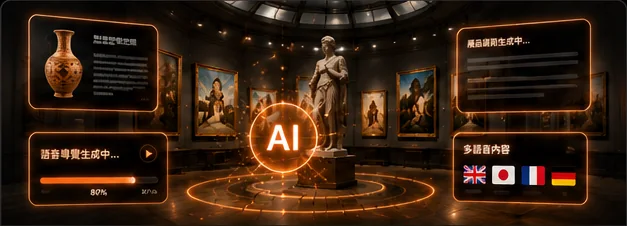
AI helps you quickly create complete exhibition content, saving time while improving content quality.
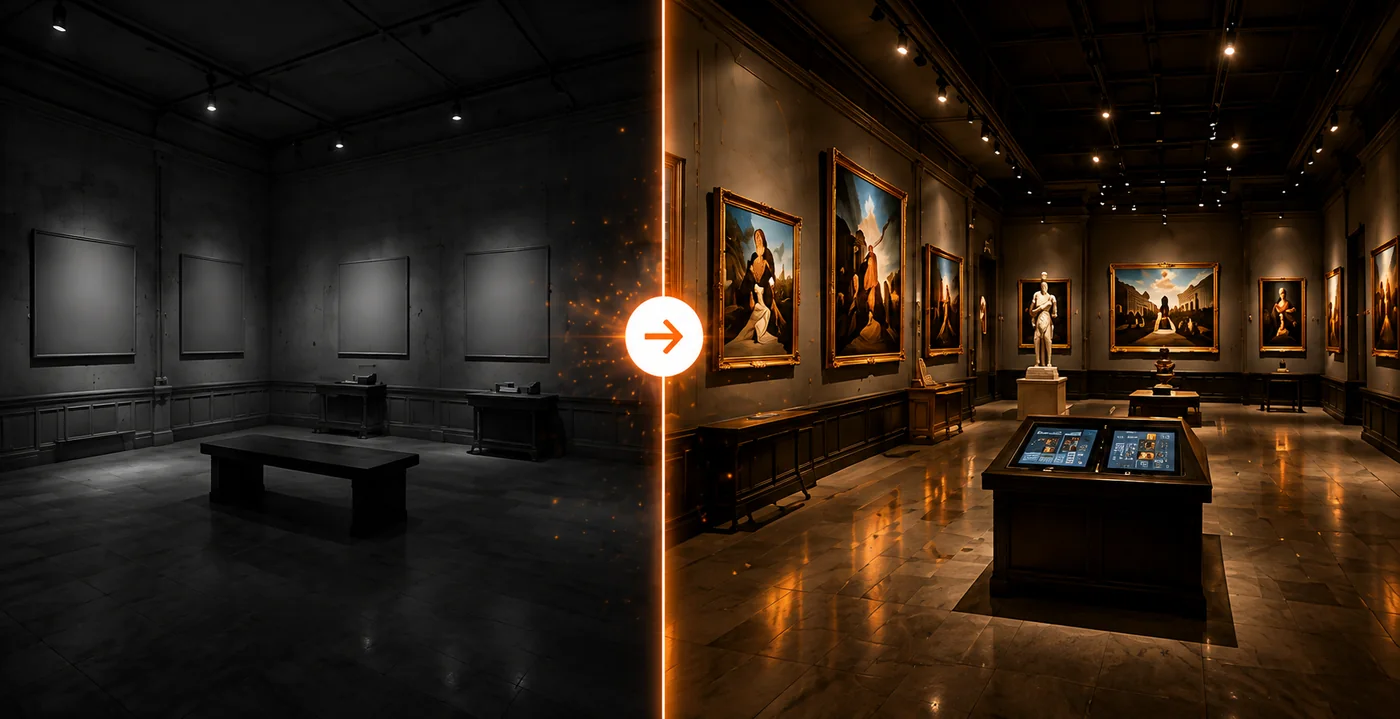 BeforeAfter
Use AI to design and generate immersive exhibition environments and build realistic virtual museum experiences.
AI automatically combines content, exhibition scenes and voice narration to quickly create a complete immersive museum experience.
AI automates content creation and accelerates exhibition production.
Support multilingual exhibition content and voice narration.
High-resolution 360° VR exhibitions and narration.
Create interactive and immersive virtual museum experiences.
Choose your creation path, generate or upload your 360 scene, add interactive content, and publish it online.
Prompt, 360 image, or pano video.
Generate with AI or use your original panoramic image.
Add hotspots, descriptions, notes, media, and guides.
Share by link, gallery, or embedded view.
Answers about creating AI VR scenes, 360 panoramas, virtual tours, interior designs, and property visualization with EasyVR.
An AI VR generator creates immersive spatial content from prompts, images, videos, room photos, or floor plans. EasyVR uses AI to generate 360° panoramas, interior designs, and virtual tours that can be viewed and shared online.
Yes. EasyVR works as a virtual tour creator and VR maker. You can create 360° scenes, connect them into a walkthrough, add hotspots or floor plans, and publish a shareable VR experience.
AI Interior Designer, also called AI Interior Studio in EasyVR, is a group of AI tools for creating and editing interior spaces. It includes AI Interior Creator for generating room design concepts and AI Interior Editor for modifying existing room images or VR scenes.
AI Museum is an EasyVR feature that turns your uploaded artwork — paintings, photographs, posters, historical objects, or statues — into a fully immersive 360° virtual museum exhibition with AI-generated descriptions, multilingual translations, voice narration, and gallery-style layouts.
Simple Mode automatically creates the entire museum — layout, descriptions, translations, narration, scenes, and VR viewer — in one step. Complex Mode lets you manually review and edit descriptions, manage gallery space, and control each step before generating the final exhibition.
Yes. You can start creating an AI Museum at 512p resolution for free. Higher resolutions (1K, 2K, 4K) require AI Credits based on the number of rooms generated.
Yes. EasyVR can analyze a floor plan, identify rooms and connections, generate AI interior scenes, and build a 360° VR walkthrough for property visualization or design planning.
AI property visualization uses room photos, 360 panoramas, or floor plans to preview spaces before they are built, renovated, staged, or marketed. EasyVR can generate interior concepts and convert them into immersive virtual tours.
Where available, 512p can be used as a lower-resolution preview option and may be free or lower cost depending on the active AI tool, account status, and product configuration. Check the on-page credit estimate before generating.
Yes. Annual subscribers receive bonus AI Credits when renewing within the eligible renewal period.
Start with a prompt, upload a 360 image, or convert a pano video into an immersive experience.
 EASYVR